Himmat Card Payment Withdrawal Guide is becoming very important for thousands of disabled beneficiaries in Punjab who are now receiving Rs. 10,500 financial assistance. Many users still don’t know the correct ATM method, first-time activation steps, or how to use their card safely for cash withdrawal.
Some people also face confusion about SMS verification, PIN setup, and checking payment status through the DPMIS system before withdrawal. In this guide, you will learn the complete step-by-step process to withdraw Himmat Card payment from Bank of Punjab ATM, how to activate your card, check eligibility online, and solve common issues in simple and easy language.
CM Punjab Himmat Card Payment Withdraw Process
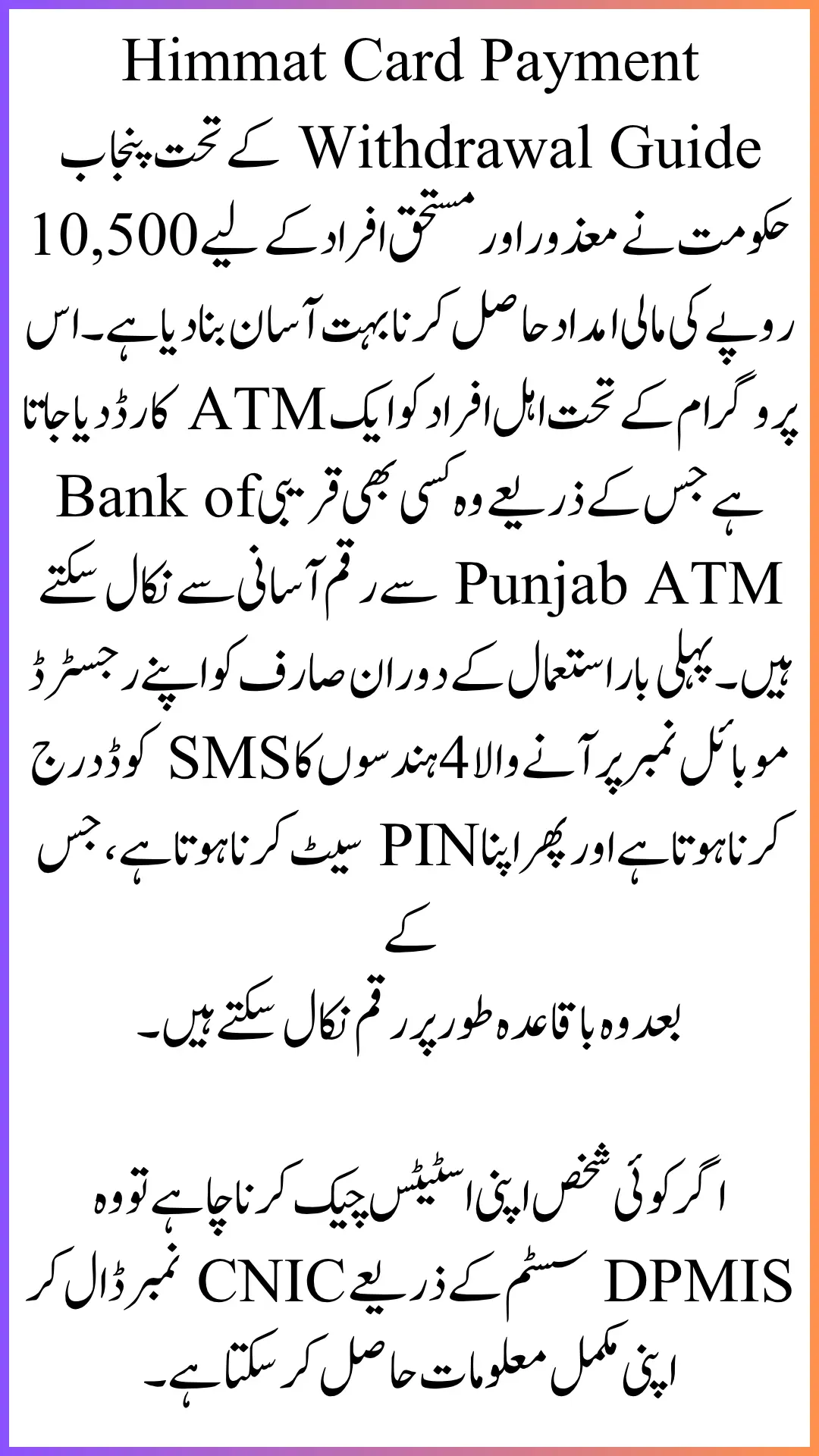
Himmat Card payment of Rs. 10,500 can be withdrawn directly from a Bank of Punjab ATM after card activation. First-time users receive an SMS code on their registered mobile number, set a PIN, and then withdraw cash easily. Eligibility and payment status can also be checked through the DPMIS portal using CNIC verification.
Also Read: Rehmat Card Portal Login 2026 – Complete Login Guide, Eligibility Check and OTP Verification Process
Quick Info – Himmat Card Payment Withdrawal
| Details | Information |
|---|---|
| Program | CM Punjab Himmat Card |
| Payment | Rs. 10,500 |
| Withdrawal Method | ATM (Bank of Punjab) |
| First Step | SMS verification & PIN setup |
| Portal Check | DPMIS Himmat Card system |
| Helpline | 1000 |
| Target Group | Disabled and eligible persons |
What is the Himmat Card Payment System?
Himmat Card is a financial support program launched for disabled and deserving people in Punjab. Under this scheme, eligible beneficiaries receive Rs. 10,500 every payment cycle.
Once approved, the government issues an ATM-enabled card that can be used for cash withdrawal without visiting any office.
Read More: Punjab Rozgar Scheme 2026 Online Registration Explained Step by Step for New Applicants
How to Withdraw 10500 from Himmat Card (ATM Method)
Withdrawal is very simple if you follow the correct steps.
Step 1: Visit Bank of Punjab ATM
- Go to any nearby ATM of the Bank of Punjab.
- Insert your Himmat Card into the machine.
Step 2: First-Time Verification
If you are using the card for the first time:
- You will receive a 4-digit code on your registered mobile number
- Enter that code on the ATM screen
- Create a new PIN (password)
Step 3: Withdraw Cash
After setting PIN:
- Insert the card again
- Enter your PIN
- Select the “Withdrawal” option
- Enter amount (Rs. 10,500)
- Collect cash and a receipt
How to Check Himmat Card Payment Online
Before visiting the ATM, you can confirm your payment status through the DPMIS system.
Steps:
- Open DPMIS portal
- Enter CNIC number
- Click on the verification option
- Check eligibility and payment status
If approved, your Himmat Card will be active for withdrawal.
Also Read: Electric Vehicle Subsidy Scheme Phase 2 Details – Know Step-by-Step New Application Method
DPMIS Himmat Card New Payment Check
The DPMIS system also helps users track:
- Eligibility status
- Payment approval
- Registration updates
- Card dispatch status
This saves time and avoids unnecessary ATM visits.
Disability Access & Additional Support
The system also includes a disability support section. Users can:
- Apply for assistive devices
- Submit disability details online
- Request financial assistance
- Track application progress
Once approved, support items and financial help are provided by the government.
Also Read: Apna Khet Apna Rozgar 2026 Last Date to Apply Online – Step-by-Step Process & Eligibility Guide
Common Issues During Withdrawal
Some users face small problems during ATM withdrawal:
1. Card not working
Make sure the card is activated first.
2. SMS code not received
Check the registered mobile number or network issue.
3. Incorrect PIN entry
Reset PIN through the ATM process again.
4. Payment not showing
Check the status on the DPMIS portal.
Helpline Support for Himmat Card Users
If you are unable to solve issues online, you can contact the helpline:
- Dial 1000
- Speak with a support representative
- Get help for registration or withdrawal issues
This service is especially useful for first-time users.
Important Tips Before Withdrawing Payment
- Always use a registered mobile number
- Keep CNIC active and valid
- Don’t share PIN with anyone
- Use only Bank of Punjab ATM
- Check payment status before visiting the ATM
Also Read: Rehmat Card Check Online – How to Verify CNIC Status & Track Payment After Eid 2026
FAQs
How to withdraw Rs 10,500 from the Himmat Card?
You can withdraw from the Bank of Punjab ATM after PIN activation and SMS verification.
What is the Himmat Card payment amount?
Eligible users receive Rs. 10,500 per cycle.
How to check the Himmat Card payment online?
Use the DPMIS portal and enter your CNIC for verification.
What if the ATM card is not working?
Check activation status or contact helpline 1000.
Can I withdraw from any ATM?
No, only Bank of Punjab ATMs support the Himmat Card.
Conclusion
The Himmat Card Payment Withdrawal Guide makes it easy for beneficiaries to access their Rs. 10,500 financial support without confusion. With a simple ATM process, SMS verification, and PIN setup, the system is designed for quick cash withdrawal.
The DPMIS portal also helps users check eligibility and payment status before visiting an ATM. By following the correct steps and using Bank of Punjab ATMs, beneficiaries can safely and smoothly receive their financial assistance without any difficulty.