

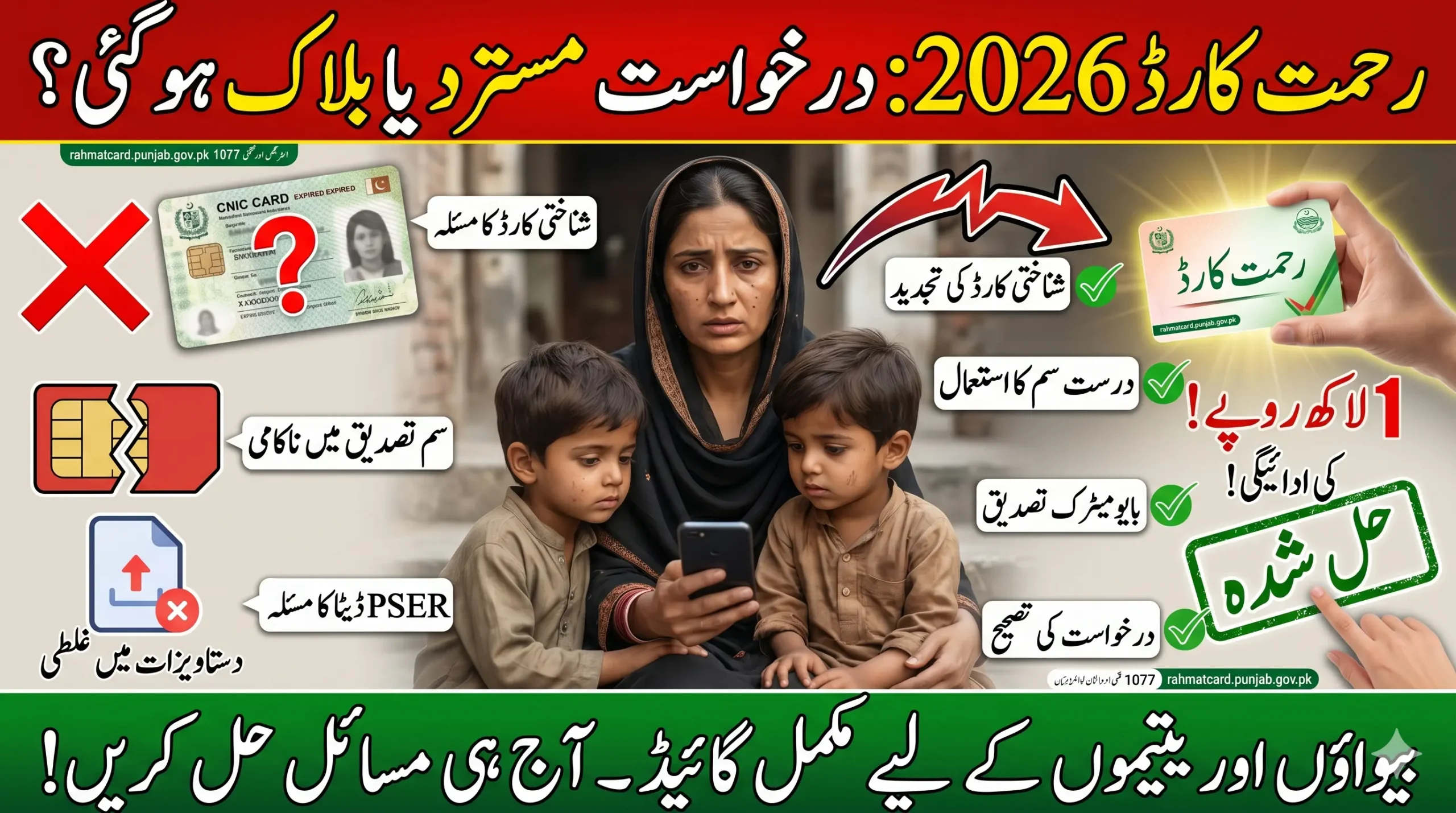
Rehmat Card Application Issue is creating serious problems for many applicants in 2026, especially widows and families waiting for financial support. If your application is stuck, rejected, or showing errors, you are not alone. The good news is that most of these issues, like CNIC mismatch, SIM verification failure, missing PSER data, or document upload errors, are completely fixable.
In this guide, you will learn the most common errors people face and a clear step-by-step method to resolve them. By the end, you will know exactly how to fix your application and complete the Rehmat Card process without confusion.
Why Are Rehmat Card Applications Getting Rejected?
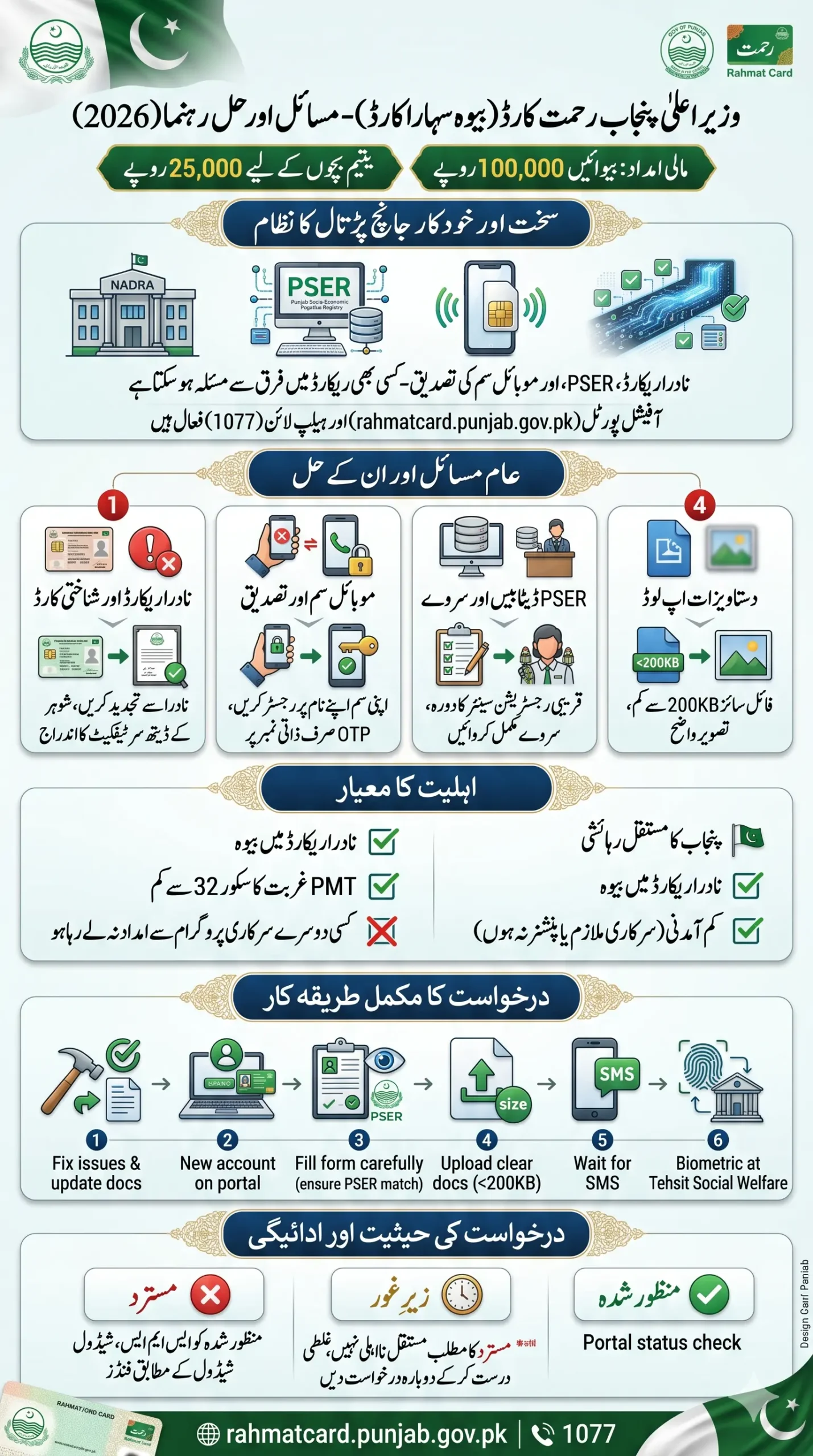
In 2026, the system has become stricter and more automated. Your application is verified through:
- NADRA records
- PSER (Punjab Socio-Economic Registry)
- Mobile SIM verification
If any of these records do not match, your application may be rejected or delayed.
Important: Many people assume the scheme has ended, but in reality, it is usually just a correctable technical issue.
Quick Info — Rahmat Card 2026
| Detail | Information |
|---|---|
| Program Name | CM Punjab Rahmat Card 2026 (Bewa Sahara Card) |
| Financial Aid for Widows | Rs. 1,00,000 |
| Financial Aid for Orphans | Rs. 25,000 |
| Official Portal | rahmatcard.punjab.gov.pk |
| Main Helpline | 1077 |
| Secondary Helpline | 0800-02345 (Zakat and Ushr Department) |
| Offline Application | Nearest District Zakat and Ushr Office |
| Biometric Verification | Tehsil Social Welfare Office |
Why You Are Facing Rahmat Card Registration Issues
Let’s be honest. Most problems happen due to small technical or data mismatches, not because you are ineligible.
Common reasons:
- CNIC not updated
- Wrong mobile number
- Missing survey data
- Blurry document uploads
- Incorrect personal information
Even a tiny mistake can stop your approval.
Also Read: PM Electric Bike Scheme Verification Failed 2026- Know Common Reasons & How to Fix
Most Common Rehmat Card Application Issues (2026)
Here are the most common problems applicants are facing:
1. CNIC Invalid or Data Mismatch
Problem:
- CNIC is expired
- Widow status not updated in NADRA
Solution:
- Renew your CNIC from NADRA
- Ensure your husband’s death certificate is registered
Without proper NADRA records, your application cannot proceed.
2. Mobile Number Not Registered in Your Name
Problem:
- SIM card is registered under someone else’s CNIC
Solution:
- Use a SIM registered on your own CNIC
- OTP verification will only work on your registered number
3. Missing PSER Record
Problem:
- Your household is not listed in the PSER database
Solution:
- Visit your nearest registration center
- Complete or update your household survey
Without PSER data, eligibility cannot be confirmed.
4. Application Rejected Despite Correct Documents
Problem:
- High PMT (poverty score)
- System auto-rejection
Solution:
- Verify your income and household details
- Submit an appeal if necessary
5. Document Upload Errors
Problem:
- File size too large
- Incorrect format or unclear images
Solution:
- Keep files under 200KB
- Upload clear and properly scanned documents
Must Read: CM Punjab Solar Panel Scheme Reapply After Rejection 2026 – Know Step-by-Step Full Guide
Who Qualifies for the Rahmat Card?
Make sure you genuinely meet the eligibility criteria before applying:
- You must be officially registered as a widow in NADRA records
- You must be a permanent resident of Punjab
- Your household income must be low; government servants and pensioners do not qualify
- Your PMT poverty score must generally be below 32
- You must not already be receiving financial assistance under another government program
Step-by-Step: Complete Registration Successfully (After Fixing Errors)
Once you solve the issue, follow this clean process:
Step 1: Prepare Updated Documents
- CNIC (updated)
- Death certificate
- Children B-Form
Step 2: Open Official Portal
Enter your CNIC and create an account
Step 3: Fill the Application Carefully
- Family details
- Income
- Address
Match your PSER data exactly
Step 4: Upload Documents
Attach clear and correct files
Step 5: Submit & Wait
- Submit form
- Wait for SMS confirmation
Step 6: Biometric Verification
Visit the office if required for thumb verification
Also Read: Ehsaas Program Payment Dates 2026: Quarterly Schedule, Eligibility & Latest Payment Updates
Understanding Your Application Status
After submission, your application status will show one of the following:
- Approved: Your application is accepted, and the payment process begins
- Under Review: Your case is being processed
- Rejected: There is an issue that needs to be fixed
Note: Rejection does not mean permanent disqualification.
Payment Update – When Will You Receive Funds?
Once your application is approved:
- You will receive an SMS notification
- Payment instructions will be shared
- Funds will be released as per the schedule
Some delays may occur, but approved applicants do receive payments.
Must Read: BISP Taleemi Wazaif New Qist Update 2026: Payments Begin for Previously Missed Student Scholarships
Final Thoughts
Rehmat Card Application Issue can be frustrating, but it is not the end of the road. Every common error has a clear solution.
Whether it’s a CNIC issue, SIM mismatch, PSER record problem, or document error, each can be corrected with the right steps. Stay patient, fix the issue, and reapply correctly. Your financial support is still within reach.
FAQs
Q1: What is the most common Rehmat Card Application Issue?
The most common issue is a CNIC data mismatch or a SIM not registered in the applicant’s name.
Q2: Can I reapply after rejection?
Yes, you can reapply after correcting the issue.
Q3: How long does it take to resolve the issue?
It usually takes 3–7 days if all data and documents are correct.
Q4: Can I solve the Rehmat Card Application Issue through the helpline?
Yes, the official helpline can guide you step by step.